Model Providers
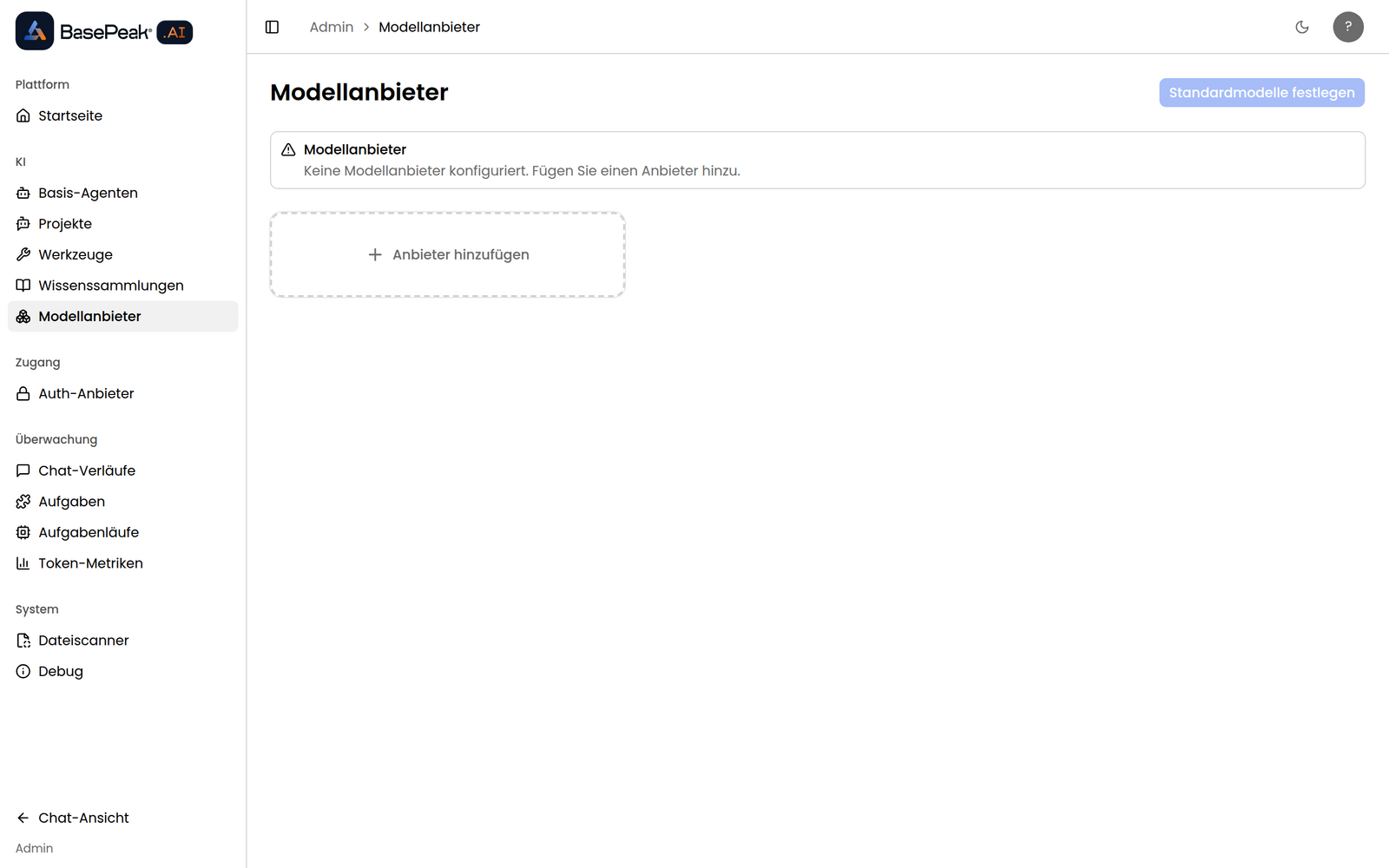
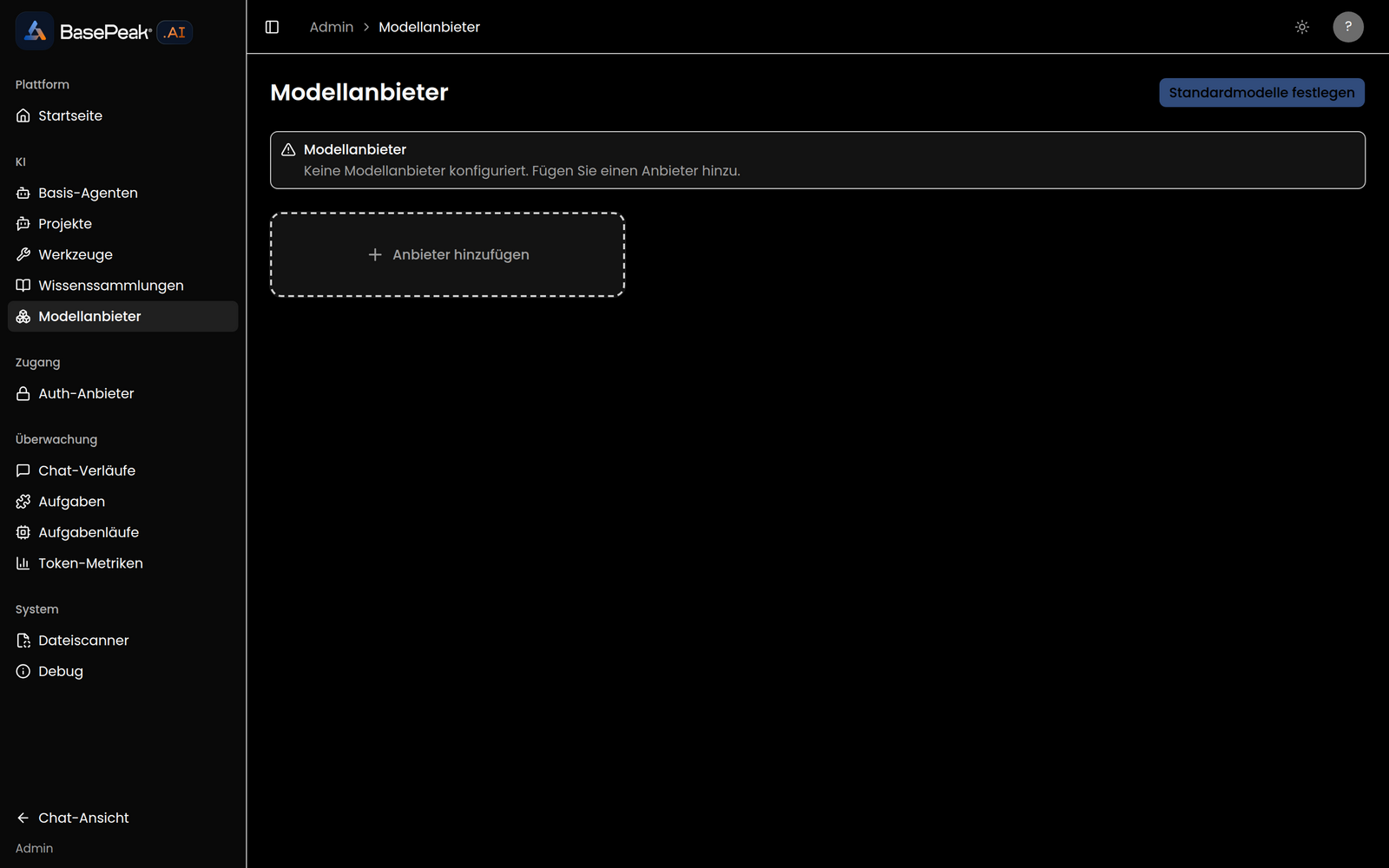
The Model Providers page (/admin/model-providers) lets workspace administrators configure and manage AI model providers. Only admin users can access this page.
Supported providers
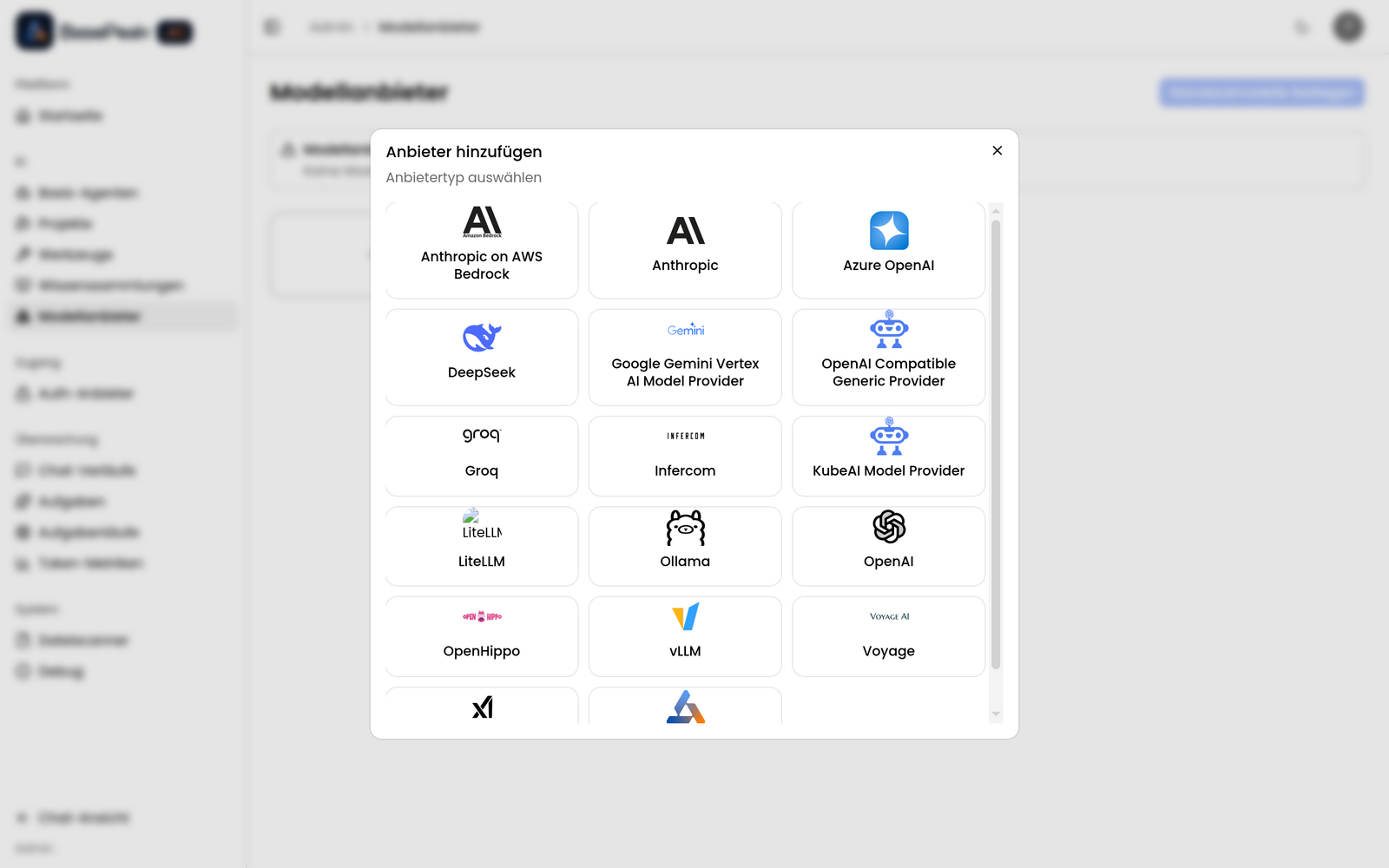
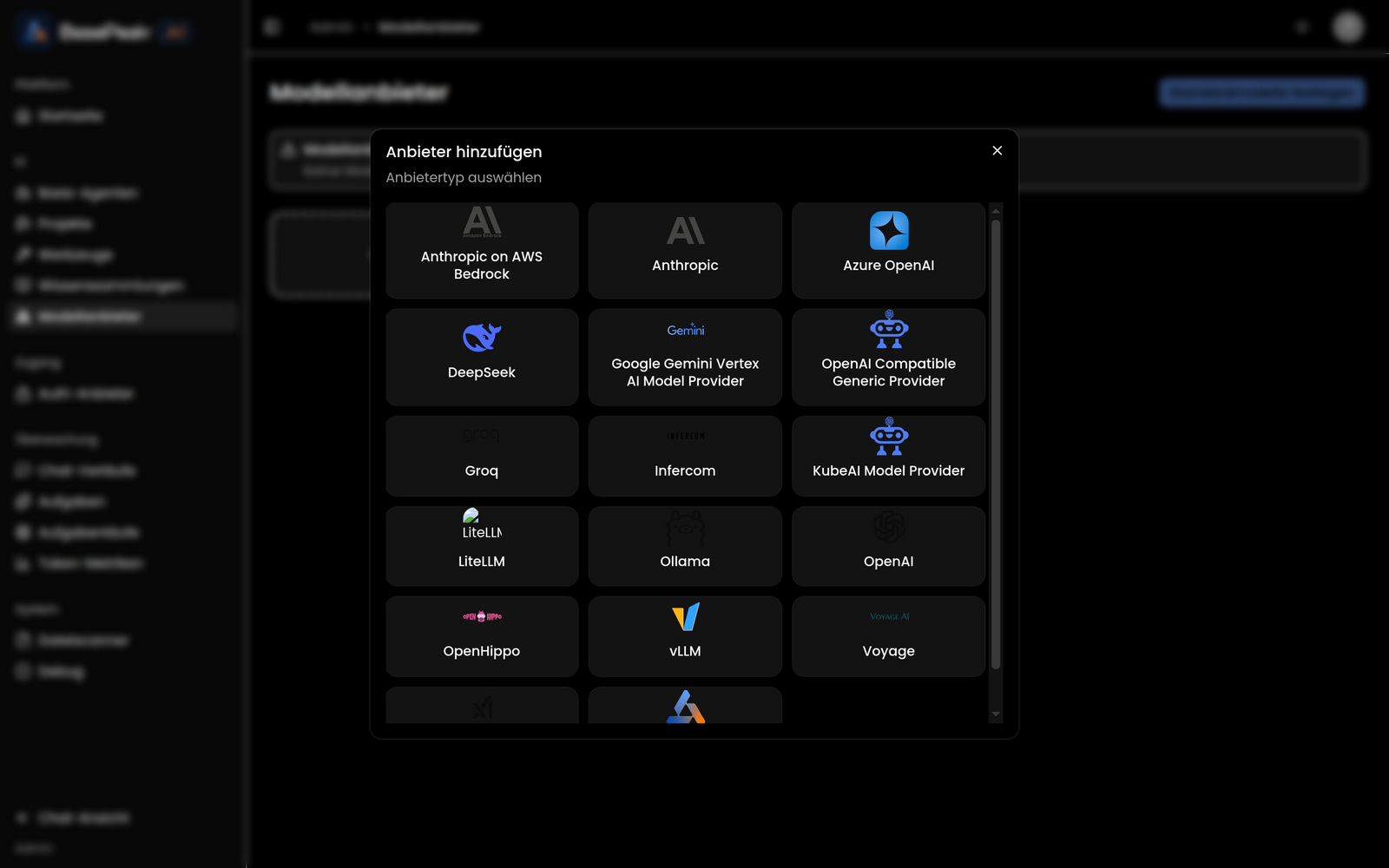
BasePeak.AI supports a wide range of model providers. EU-hosted providers managed by BasePeak come first — they process your data exclusively in European data centers and are the recommended choice when data residency and GDPR compliance matter.
🇪🇺 EU-hosted (managed by BasePeak)
| Provider | Description |
|---|---|
| BasePeak Model Router | The platform's default provider. Bundles several European model providers (including OpenHippo and Infercom) behind a single OpenAI-compatible API — with load balancing and failover. |
| Infercom | EU-hosted model inference. |
| OpenHippo | EU-hosted open-model inference. |
With the EU-hosted providers, your requests and content never leave the European jurisdiction.
External providers (bring your own access)
Connect leading commercial providers with your own credentials. These run outside the EU:
- OpenAI
- Anthropic
- Azure OpenAI
- Anthropic via AWS Bedrock
- Google Gemini (Vertex AI)
- xAI
- DeepSeek
- Groq
- Voyage AI (embeddings)
Self-hosted
Providers you run in your own environment:
- Ollama
- vLLM
- KubeAI
- LiteLLM
- Generic OpenAI-compatible endpoint
The UI shows whether each provider has been configured. Configured providers display the number of available models and offer options to manage models or remove the provider.
Configuring a provider
To add and configure a provider:
- Click Add Provider to open the provider picker
- Select the provider type and give the instance a display name
- Click Configure on the new instance
- Enter the required credentials (API key, endpoint URL, etc.)
- Save — BasePeak.AI validates the credentials immediately
You can configure multiple providers, letting you pick the right provider and model for each use case. Read-only providers bootstrapped by the BasePeak platform (such as the managed default provider) cannot be reconfigured through the UI.
Viewing and managing models
Once a provider is configured, open its Models view to manage the models it offers. For each model you can:
- Activate or deactivate the model (controls availability to users)
- Set the usage type to tell the platform how the model should be used:
| Usage type | Description | Used in |
|---|---|---|
| Language Model | Text generation and tool calls | Agents and tasks; selectable as an agent's primary model |
| Text Embedding | Converts text into numerical vectors | Knowledge tool (RAG) |
| Image Generation | Creates images from text descriptions | Image generation tools |
| Vision | Analyses and processes visual content | Image vision tool |
| Other | Default when no specific usage is selected | Available for all purposes |
Use Refresh models from the provider action menu to pull the latest model list from the provider.
Activated models then appear in the model picker that users can open from within a conversation:
Setting default models
Click Set default models (top-right of the Model Providers page) to choose platform defaults for:
- Language Model (Chat) — primary conversational model
- Language Model (Chat - Fast) — optimised for quick responses
- Text Embedding (Knowledge) — used for knowledge base operations
- Image Generation — for creating images
- Vision — for image analysis
These defaults apply when a user or agent has not selected a specific model. After choosing the defaults, click Save Changes.