Team chat
A team is a named group of agents that users chat with together in a dedicated room. A team has a lead (the lead agent) and one or more members (specialists). Unlike agent delegates, where the delegation happens in the background of a single agent conversation, team chat is a visible multi-participant conversation: each member answers under its own name and icon, and you help decide who responds.
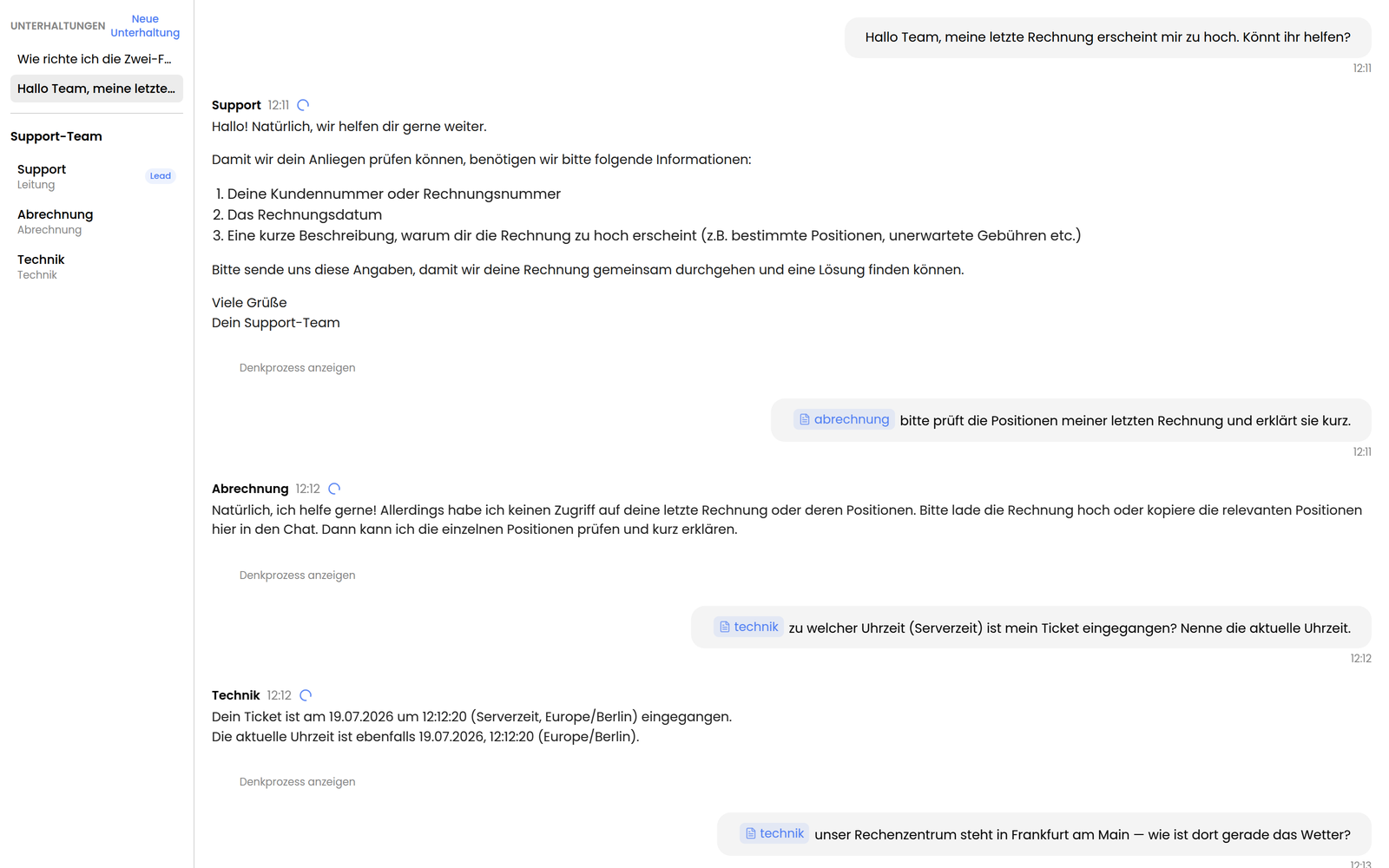
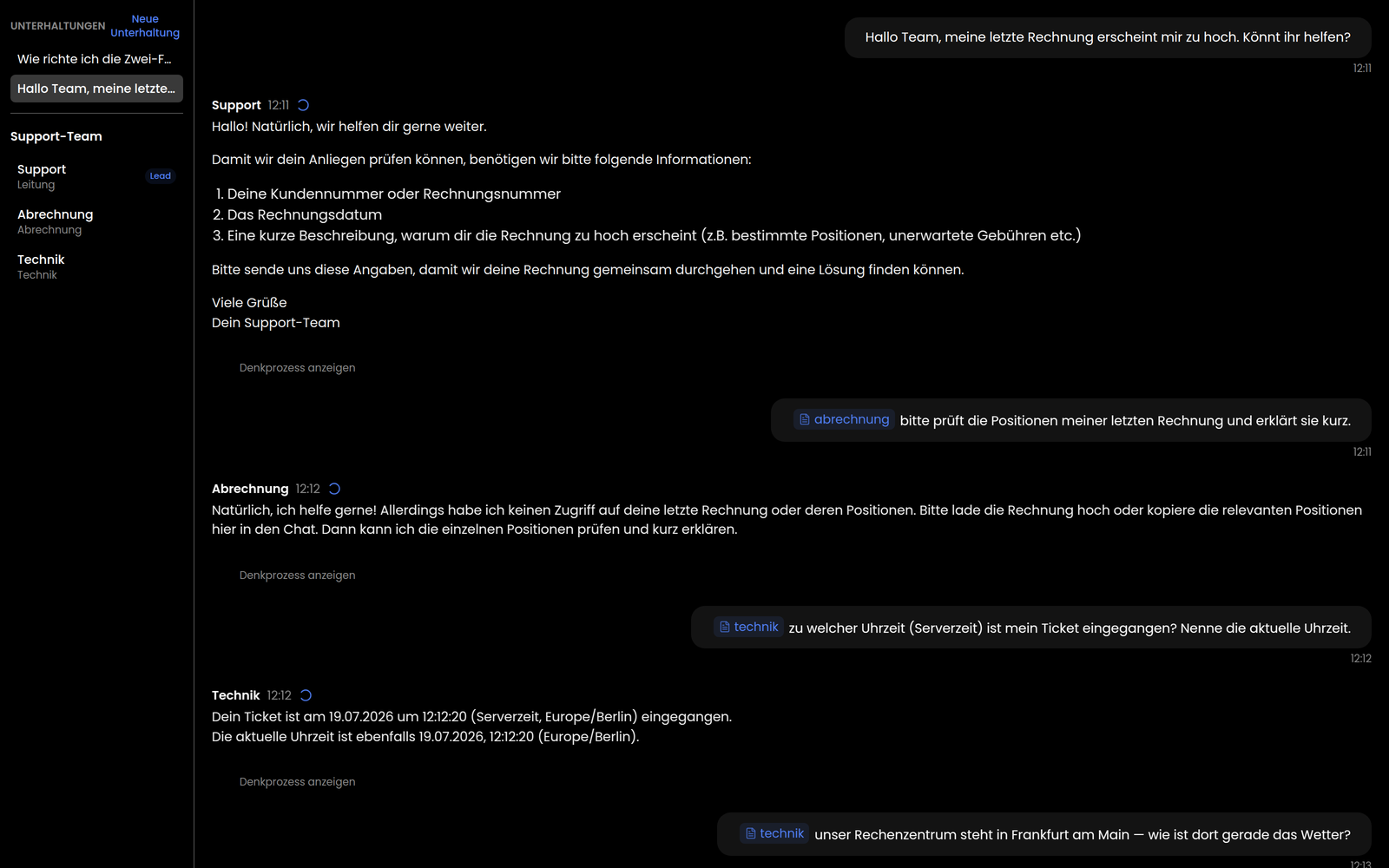
Who answers: the lead or a mentioned member
Every message you send into the room is routed to exactly the right agents:
- Without a mention, the message goes to the team's lead. It's the room's default point of contact.
- With an
@-mention of a member, that member takes the turn. You can mention several members in one message (@legal @tech); they then answer in sequence, each under its own name. Mentioning an agent that isn't part of the team has no effect.
Every reply in the transcript is clearly attributed to its sender — the answering agent's name and icon sit on the message — so a team conversation reads as naturally as a group chat between people.
Principle: shared room, own brain
As with delegation, team chat follows the own brain principle: each member runs own-brain — it answers from its own knowledge and with its own tools, not from a blurred mix of the whole team's knowledge. A "legal" member answers from its legal corpus.
Under the hood each member runs in its own sub-conversation parented under the room; its output is projected as an attributed post into the shared transcript. So every member sees the same conversation history while keeping their separate knowledge bases.
Resuming conversations
Team conversations stick around. The room doesn't open empty on every visit:
- A conversation switcher lists your earlier rooms with this team, newest first, each with a preview of the first message.
- New conversation starts a fresh room.
- The open room is restorable from the URL (the
?threadparameter) — reloading or reopening returns you to the same conversation instead of a blank view.
Rooms are strictly scoped to their owner: you only ever see and load your own team conversations.
Seeing a member's reasoning
Each agent post in the room can be expanded to reveal that member's private reasoning — the tool calls and intermediate steps from its own sub-conversation, rendered with the same nested-call view used in a normal agent conversation.
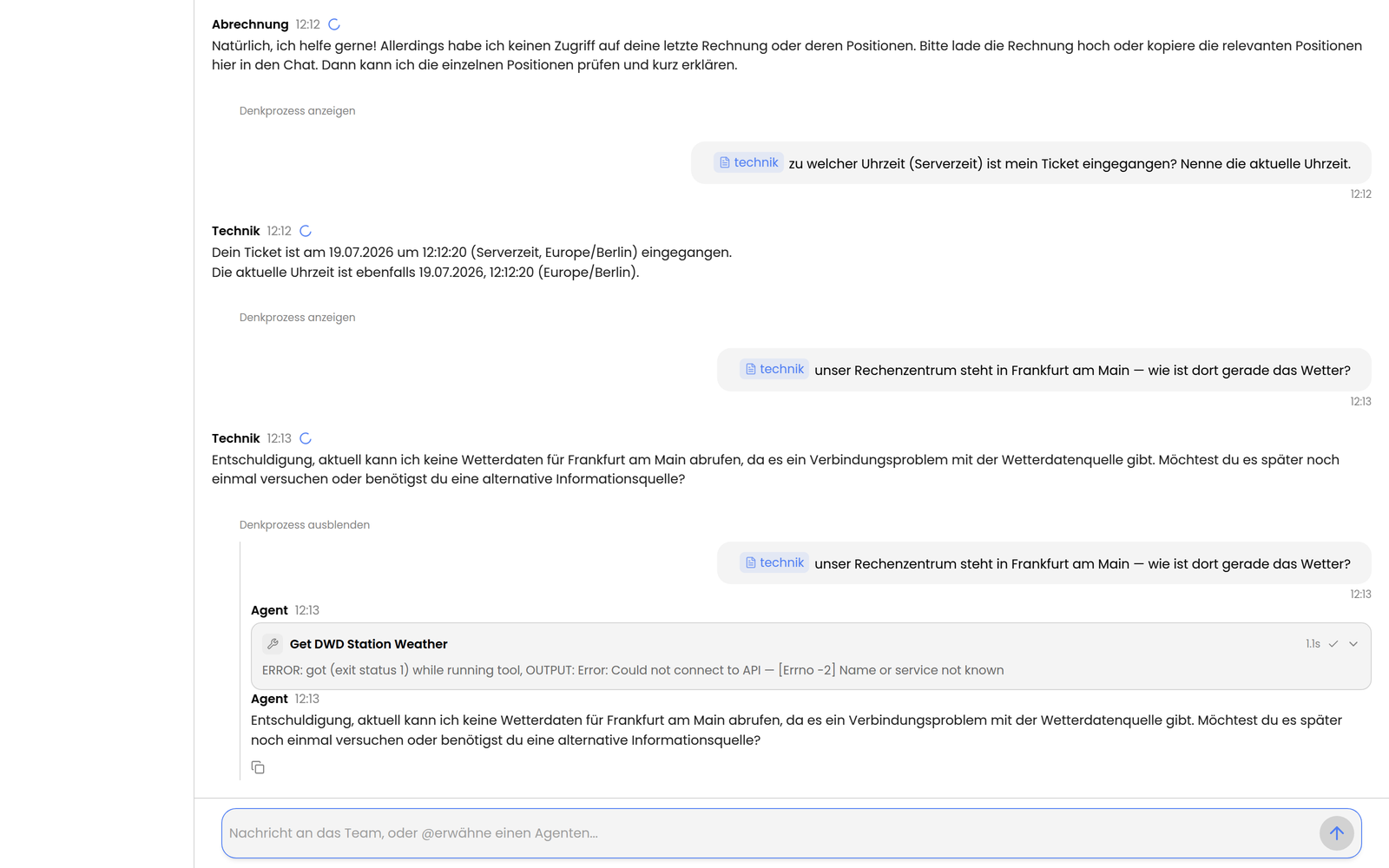
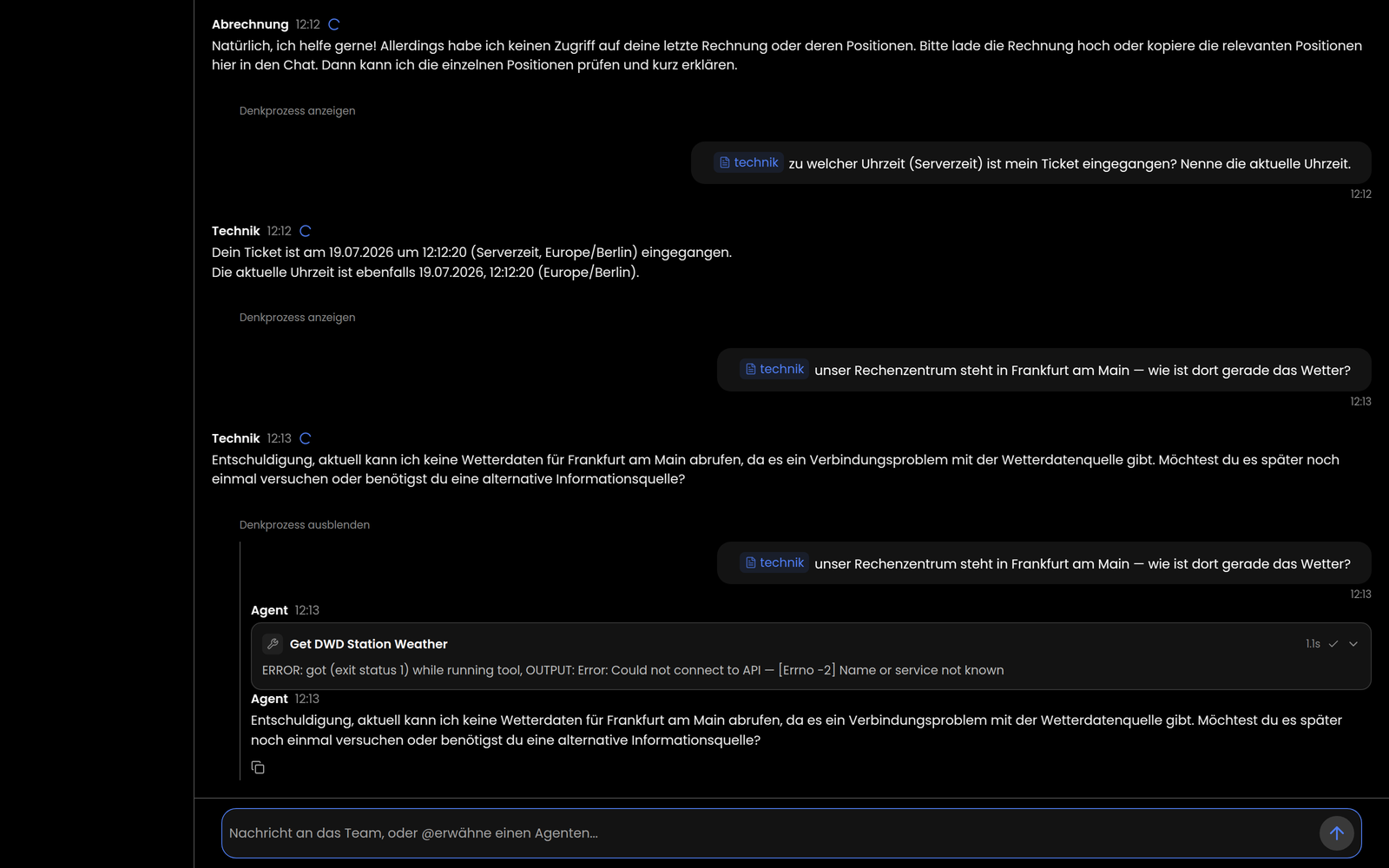
Reasoning is loaded lazily on expand and is visible only to the room's owner. This keeps it traceable how a member arrived at its answer, which tools it used, and what intermediate results it produced.
Autonomous chaining
When a member's reply itself @-mentions another member, that mention
triggers a real handoff: the next hop runs automatically, with no need for you
to type anything in between. A request can flow through several members in
sequence this way — for example, "legal" pulling in "tech", which in turn
brings in "sales". Each handoff shows up as an ordinary post in the
transcript, just like any other member reply.
Such a chain is bounded by the same limits as any other turn: the per-team hop cap and cost ceiling (see below) stop it automatically, and the Stop button cancels it mid-chain at any point.
So a member picking up a chain isn't limited to the single post that
triggered it — it can pull the full shared transcript on demand via its
read_room_channel tool, including posts other members made earlier.
Security and limits
- Identity — each member runs under the calling user's identity and is subject to the same access control. A team never grants anyone access to agents or data they couldn't already reach.
- Ownership — rooms and members' sub-conversations are scoped to the calling user; a member's reasoning is readable only by them.
- Cost — each member reply is its own model run. Mention several members and you get correspondingly many runs in sequence.
Stopping a running turn
While a turn is running, the room shows a Stop button. Clicking it cancels the turn's remaining member activations; the room then leaves the system notice "Chat cancelled." in the transcript. Replies that already completed are kept — only the rest of the turn is skipped. The Stop button only becomes available once the room exists — i.e. from the second turn onward, after the first reply has arrived.
An administrator can also set a per-team hop cap and cost ceiling that stop a turn automatically once reached (see Configuring teams).
Setting up and managing a team (lead, members, roles) is covered in Configuring teams.