Requesting bundles
The Marketplace offers ready-made agents, apps and knowledge from BasePeak, for example a research agent for your office. Only IT, the administrators of your instance, can install them. You can request a bundle in a few clicks, though: the request goes straight to IT, and you hear back when it is ready.
1. Find a bundle
Click Marketplace in the left rail. On the left you filter By type or For your office/team; at the top you search the catalog. Clicking a tile opens the bundle page: what the bundle does, examples from real runs, what gets installed and where data goes.
If there is no Marketplace entry, it is not switched on for your instance yet. Ask your IT.
2. Request the installation
Below the header of the bundle page is the request form:
- Under What do you need it for?, say briefly what you need the bundle for (up to 1000 characters). It helps IT decide.
- Under For team, pick one of your teams if the bundle is meant for the whole team. IT can then hand it over to the team directly. With No team you request it for yourself.
- Click Request installation.
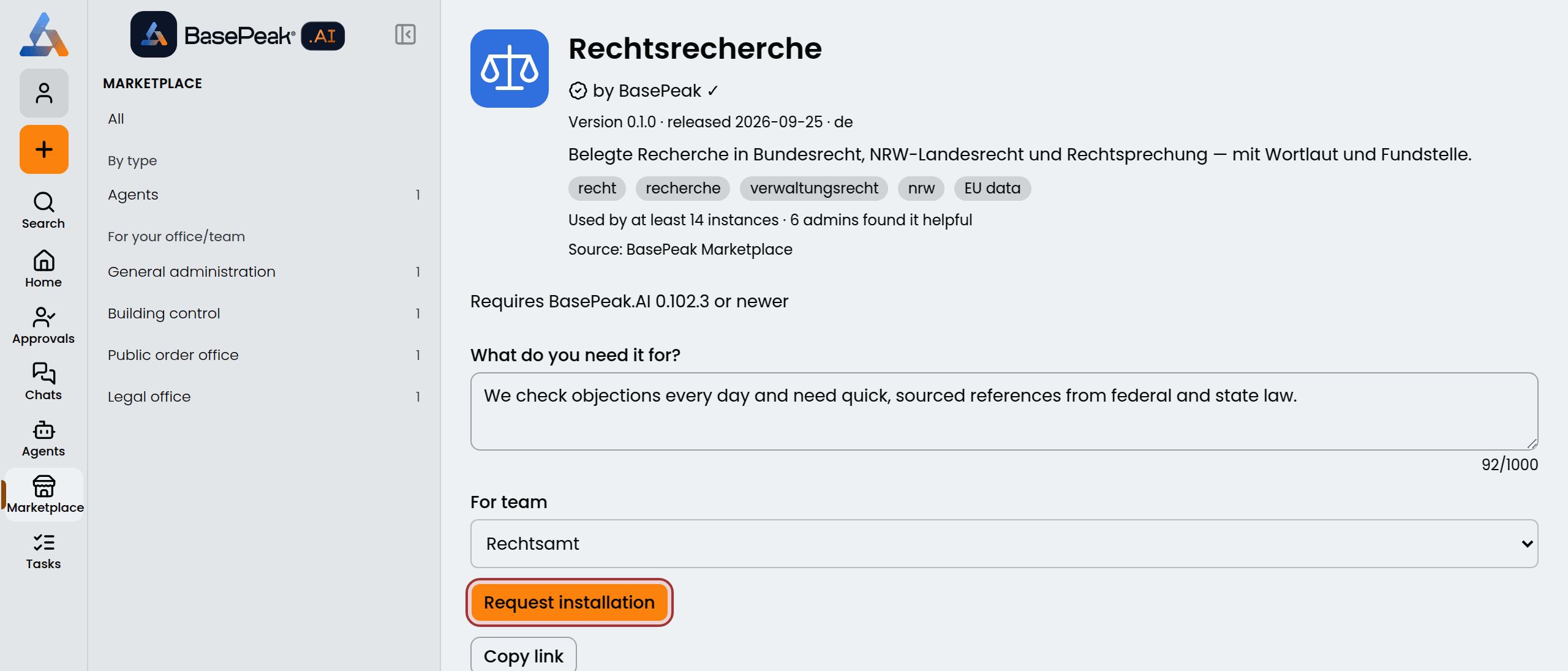
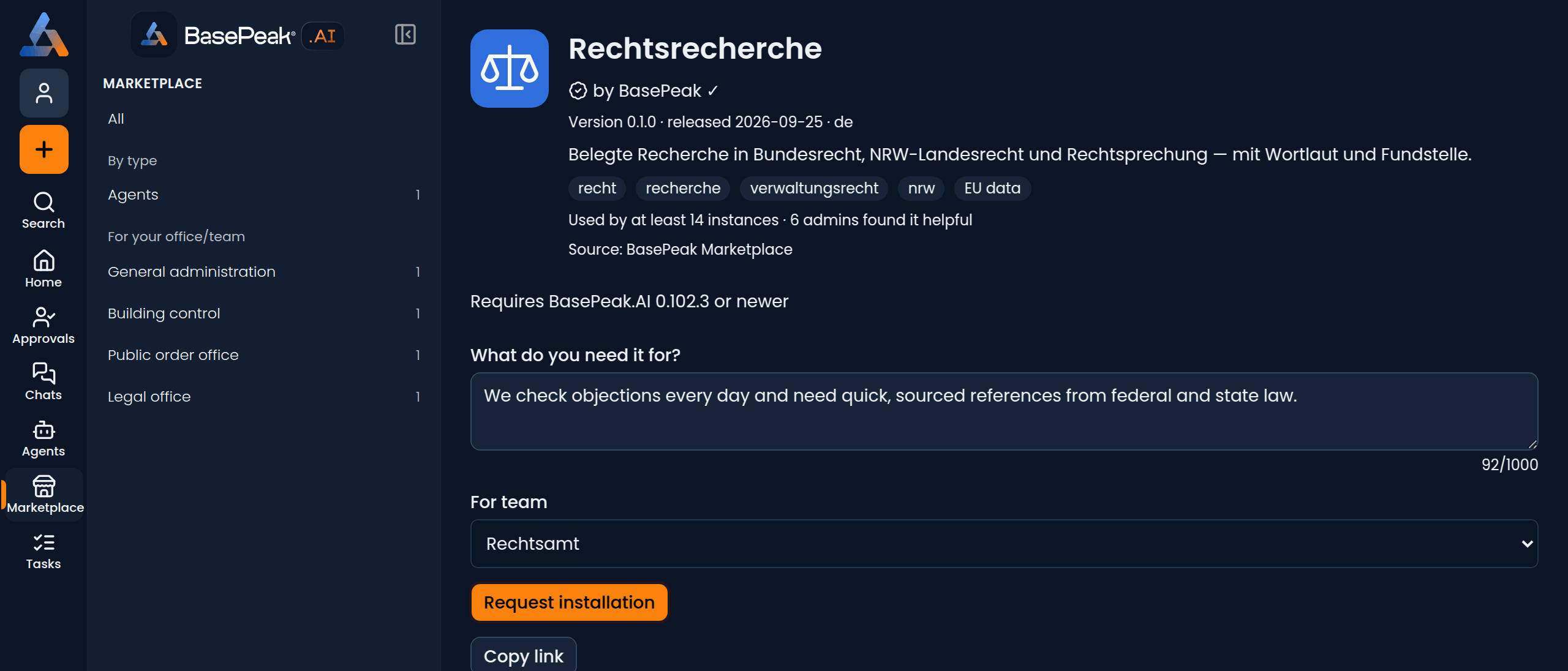
If you would rather talk to IT yourself, Copy link copies the address of the bundle page, for an email for example.
3. What happens next
Instead of the form, the bundle page now shows where your request stands:
- Waiting for IT: IT has not handled the request yet.
- Installed, being set up: IT has installed the bundle and is still checking it. An agent is visible only to IT during this time.
As long as IT has not installed it, you can take the request back with Withdraw request. Requesting the same bundle twice still makes one request.
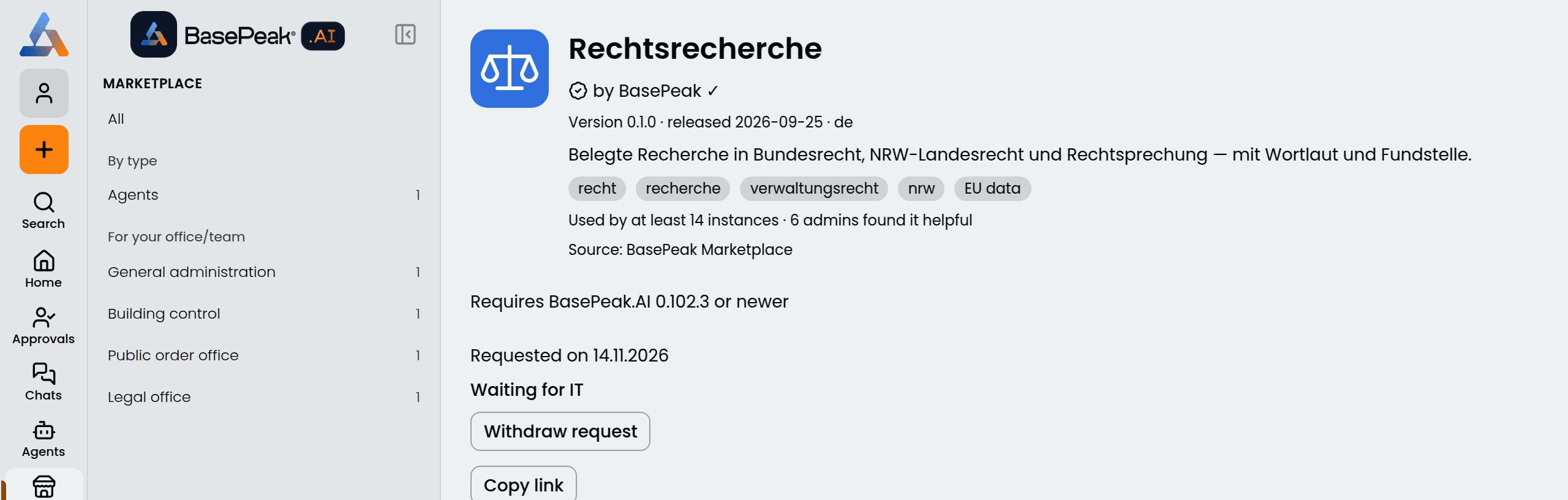
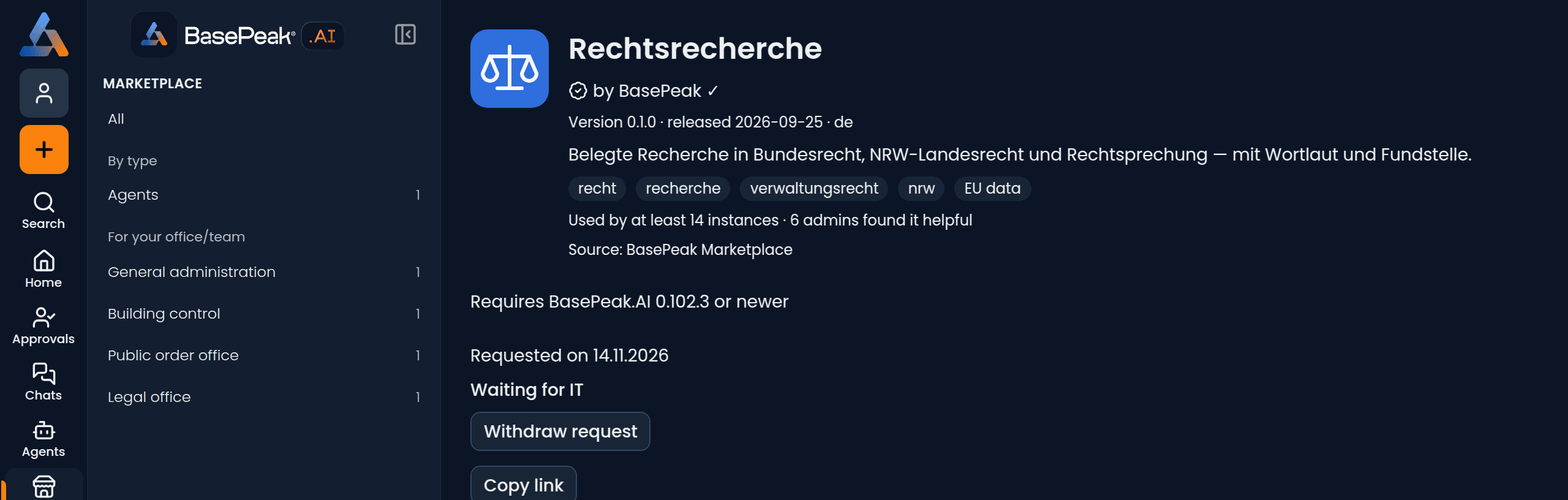
When the bundle is ready, you get a notification in the bell, for example "„Rechtsrecherche“ is ready for Rechtsamt". You then find a handed-over agent among your agents. If IT declines, the notification gives the reason: "Your request for „…“ was declined".
Requesting through an agent
You do not have to search the Marketplace yourself. If an agent has the Marketplace search tool (the Guide has it built in, and IT can give it to other agents), just ask it, for example "Is there anything for checking building applications?". It names matching bundles with a link to the bundle page and, if you want, files the request for you. IT then sees which agent the request came through. An agent can never install anything; that is always IT's decision.
For administrators
How IT handles requests, installs and hands over is described in Marketplace.