Threads
A thread represents a single conversation between a user and an agent, or the execution history of a task run.
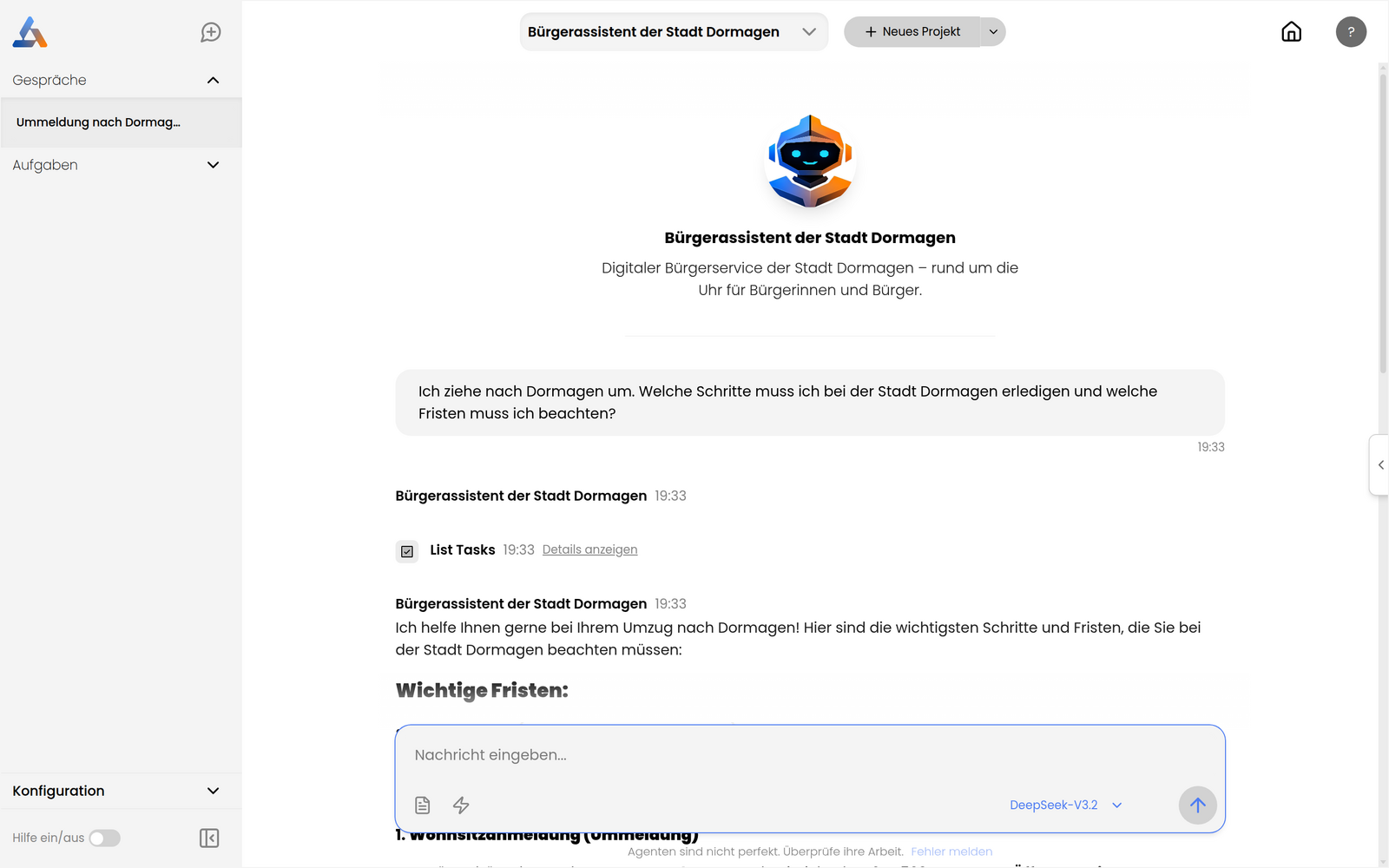
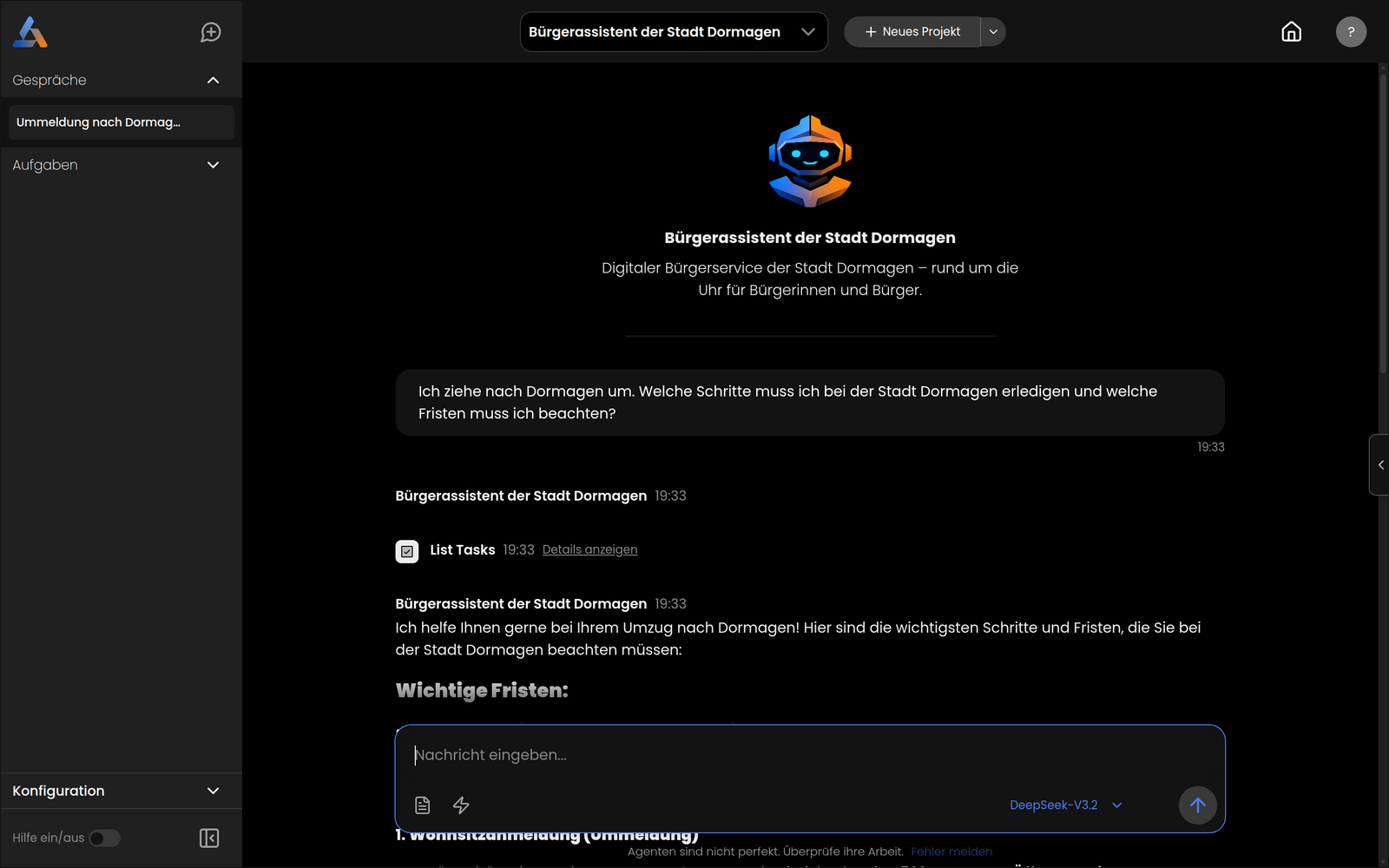
Each thread belongs to a project. When a user starts a new conversation they get a fresh thread — a clean slate with no messages carried over from previous conversations. Threads accumulate the full message history for that conversation.
Starting a new thread
From within a project, open the side panel and click the plus icon in the threads section to begin a new conversation. The new thread starts empty; messages and tool interactions from earlier threads are not visible.
Thread credentials
Each thread maintains its own authentication state. If a tool requires sign-in or an API key, the user must authenticate within that thread. Switching to a new thread requires re-authenticating any tools that need it.
Task execution threads
When a task runs, it also creates a thread to record its execution. These task-execution threads are filtered out of the standard conversation list in the admin chat-threads view (only user-initiated chat threads are shown there). Task run history is available under the task-runs section.
Admin view
Platform administrators can view all threads across all projects in Admin → Chat Threads. Each thread shows its name, the project it belongs to, the user who created it, and its creation date. Threads created via the OpenAI-compatible API (with no parent project) are labeled API in the project column.