Tasks
Tasks provide a way to automate interactions with an agent through scripted workflows. A task is made up of a series of steps expressed in natural language. Tasks belong to a project and run within that project's agent context.
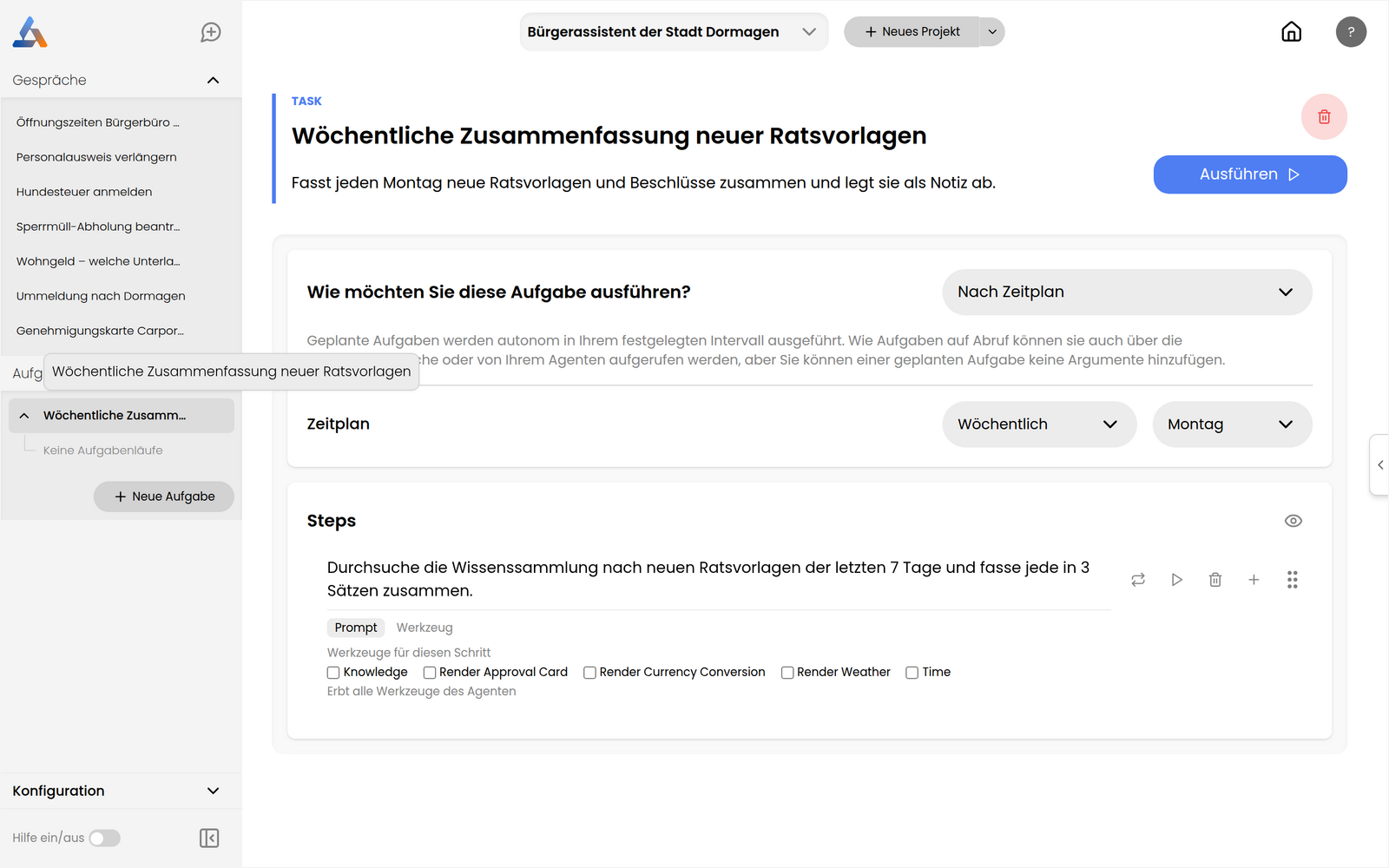
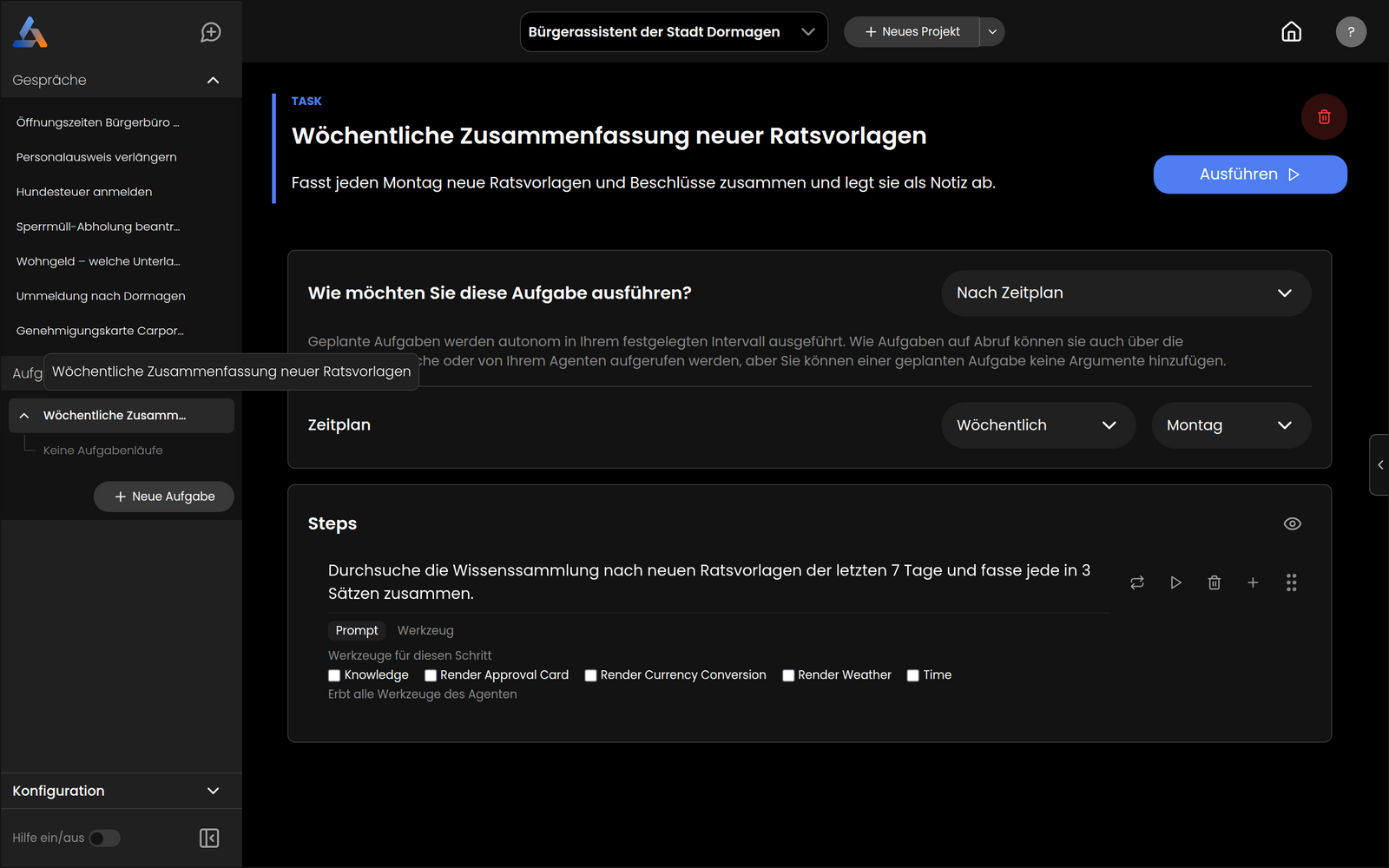
Tasks can have Parameters that let you pass inputs at run time. For instance, "search for weather in New York" and "search for weather in London" can be the same task with different values for a city parameter.
Parameters are optional and allow you to specify inputs to a task.
Steps represent instructions to be carried out by the task. Each step can have its own set of tools and can call out to other tasks or agents.
Triggering Tasks
Tasks can be triggered in a variety of ways:
On Demand
The default trigger is On Demand, which means you can launch the task from the UI or send it a message through chat.
Scheduled
You can trigger a task by scheduling it to run hourly, daily, weekly, or monthly, with a configurable time window.
Webhook
- Open an existing task or create a new one in the project.
- Click the trigger dropdown that says On Demand and select Webhook.
- A URL is provided. Copy and paste that URL into your webhook provider.
You can also supply a sample webhook body to use while testing the task during development.
Email
You can trigger a task by sending an email to a dedicated task address.
To create an email trigger:
- Open an existing task or create a new one in the project.
- Click the trigger dropdown that says On Demand and select On Email.
- An email address is provided for this task.
Once configured, emails sent to that address will trigger the task. The following data is passed to the task:
from: The email address of the sender.to: The email address of the receiver.subject: The subject of the email.body: The body of the email.
You can use these values in your task steps to perform different actions based on the incoming email.
Task Runs
Each time a task executes it creates a task run. Task runs record the input, output, start and end time, and any error that occurred. Administrators can inspect all task runs across the platform in Admin → Task Runs.